
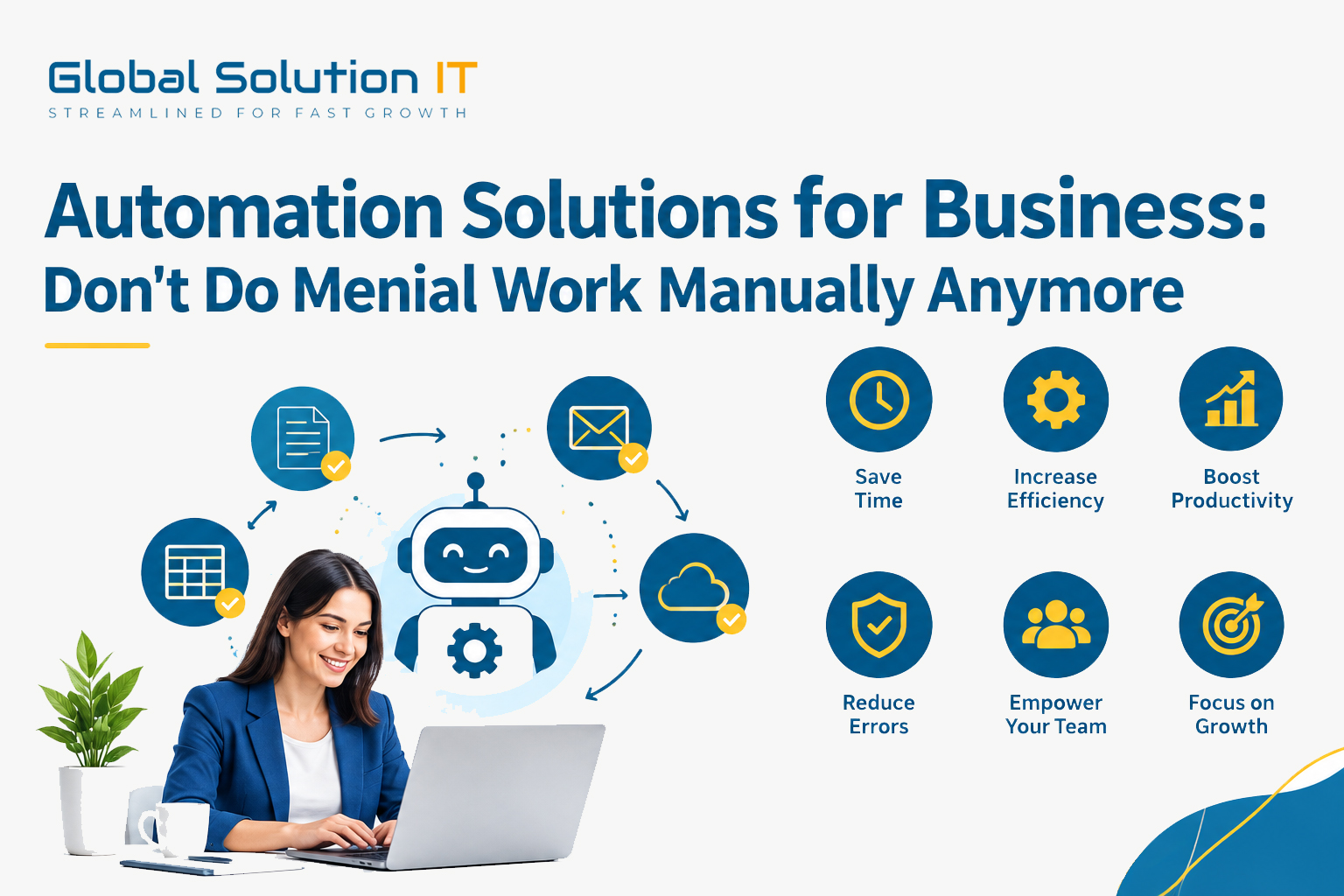
Consider how much time your past Monday morning took up copying information between various spreadsheets, requesting an approval of sorts, or sending yet another reminder email.
This is precisely what business automation is designed to help you with.
In a nutshell, business automation involves the execution of routine tasks through the use of software. This might be as simple as receiving an automatic notification about an order placement by a client. Or it may be more complicated in that all your systems—your website, your inventory, your billing, and your customer relationship management system—talk to each other all by themselves.
And, needless to say, it is not designed to eliminate your employees. Rather, it is designed to free them from wasting their valuable time doing tasks that could have been easily completed by a computer in seconds.
The truth is that business issues seldom emerge due to a lack of effort, but rather due to inefficient use of effort.
Automation may offer some practical assistance in the following ways:
Faster work completion: Work that takes one hour manually can take just seconds automatically.
Fewer mistakes: Software does not get bored or distracted, helping reduce errors in repetitive tasks.
Lower expenses: Automated processes can reduce repetitive work and help minimize the costs associated with errors.
Improved customer satisfaction: Automation can support prompt responses, accurate orders, and timely follow-up actions.
Easy scalability: Managing a larger number of orders does not necessarily require a proportionally larger workforce.
You do not need to automate everything. Start by identifying the problem first:
Sales: Leads, follow-ups, and quotes.
E-commerce: Orders, inventory, invoicing, and delivery notifications.
Finance: Invoicing, reminders, and expense tracking.
Human Resources: Attendance, approvals, and payroll.
Marketing: Email marketing and scheduling.
Support: Chatbots, ticket routing, and customer updates.
Reporting: Live dashboards instead of time-consuming monthly spreadsheets.
Workflow automation involves processing actions according to defined rules.
Custom web applications: Administrative consoles, customer portals, or ERP modules can be developed specifically according to your business requirements.
API integrations: APIs can help different applications and systems communicate and exchange information with each other.
RPA: Robotic Process Automation bots can replicate repetitive actions performed manually by employees, such as entering information into different screens.
Artificial intelligence: AI-based applications can assist with tasks that require a certain level of analysis or decision-making.
Identify a process that is slow, boring, and tedious to complete. Start by automating that process and observe the difference. Once it works effectively, move on to the next process.
However, before automating anything, make sure that the process being automated is correct. Automating an inefficient process may simply mean completing the wrong process faster. It is also important to perform sufficient testing before implementation, as unexpected issues during launch can affect productivity and user confidence.
Furthermore, involve your colleagues in the process. People are more likely to appreciate technology they understand. Clear communication and proper training can help employees adapt to new automation solutions more effectively.
Trying to automate everything at once is one of the biggest mistakes businesses can make. Other common mistakes include failing to protect business data, not testing automation processes properly, and choosing an automation tool simply because other businesses are using it.
Business automation is no longer limited to large companies. Whether you run a small online store or a fast-growing business, automation can help you save time, reduce repetitive work, minimize errors, improve efficiency, and create more scalable business processes.

Get expert consultation to automate workflows, manage data, and accelerate your business growth.
Typically replies instantly